This tutorial will show you how to use a tilt sensor with an ESP32 to detect if you car is upside down.
Then send a message and/or play a sound.
Buy the Parts
- RC Car Wltoys K989 ……………………….… Amazon / Banggood / Shopee
- ESP32 C6 Super Mini …………………….… Amazon / Banggood / Shopee
- Tilt Sensor ………………….………………….… Amazon / Banggood / Shopee
Disclosure: These are affiliate links. I earn a little comission if you use my links to buy the parts.
Please use them to help me continue building cool projects.
How a Tilt Sensor Works
A tilt sensor acts like a switch. When tilted, a small metal ball inside the sensor moves, either closing or breaking the circuit. The ESP32 can read this as a digital signal:
- LOW (0) when the circuit is closed.
- HIGH (1) when the circuit is open.
Wiring the Tilt Sensor
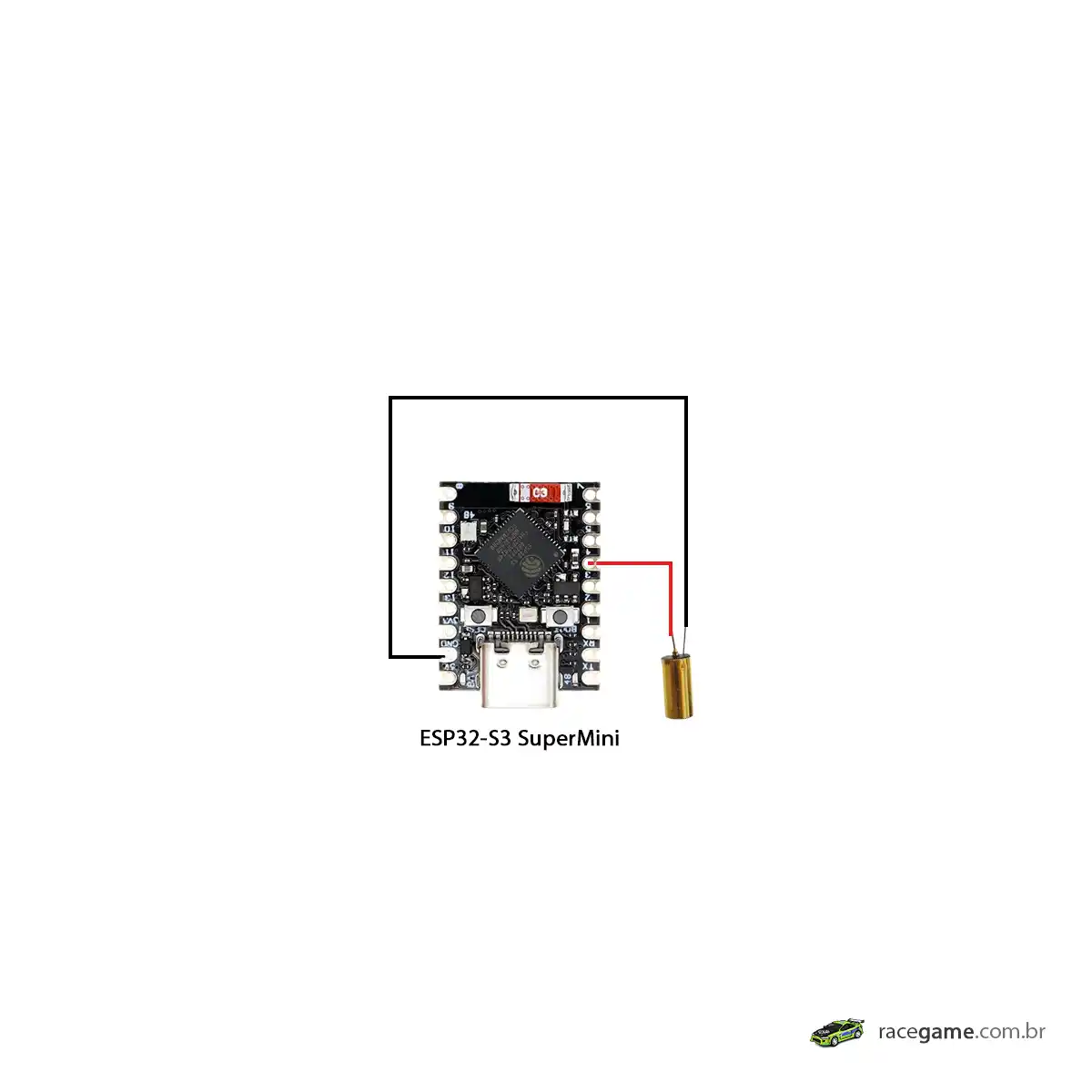
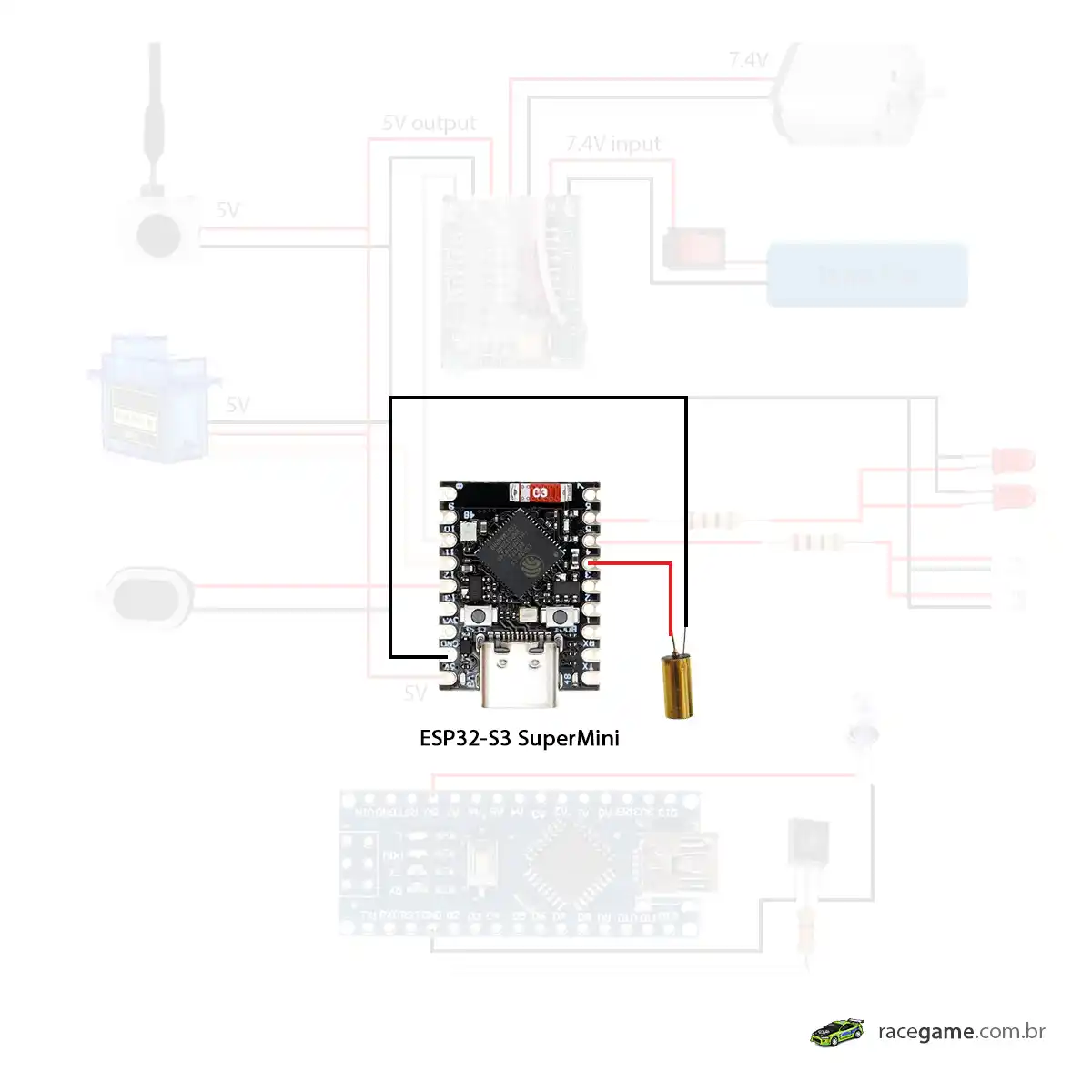
- Connect one pin of the tilt sensor to a GPIO pin on the ESP32 (e.g.,
GPIO14). - Connect the other pin of the tilt sensor to GND.
- Add a pull-up resistor (10kΩ) between the GPIO pin and
3.3Vto stabilize the signal (optional but recommended).
Step 1: Write the Code
This code reads the tilt sensor’s state and outputs the result to the Serial Monitor.
					// Define the pin for the tilt sensor
const int tiltSensorPin = 4;

void setup() {
  // Initialize the serial monitor
  Serial.begin(115200);

  // Set the tilt sensor pin as an input
  pinMode(tiltSensorPin, INPUT);

  Serial.println("Tilt sensor ready. Tilt to see changes!");
}

void loop() {
  // Read the tilt sensor's state
  int tiltState = digitalRead(tiltSensorPin);

  // Print the state to the serial monitor
  if (tiltState == LOW) {
    Serial.println("Tilt detected!");
  } else {
    Serial.println("No tilt detected.");
  }

  delay(500); // Wait 500 ms for better readability
}
Step 2: Upload the Code
- Connect your ESP32 to your computer via USB.
- Open the Arduino IDE.
- Select the correct board and port under Tools.
- Upload the code to the ESP32.
Step 3: Test Your Setup
- Open the Serial Monitor (set the baud rate to
115200). - Tilt the sensor and observe the changes in the Serial Monitor.
Troubleshooting
1. No response in Serial Monitor:
- Check the wiring and ensure the tilt sensor is properly connected.
- Verify that the correct GPIO pin is specified in the code.
2.Unstable readings:
- Add a pull-up resistor between the GPIO pin and 3.3V.